Audio Visual · October 2026 · 7 min read
What Is Distributed Video? A Plain-English Guide to Video in the Home
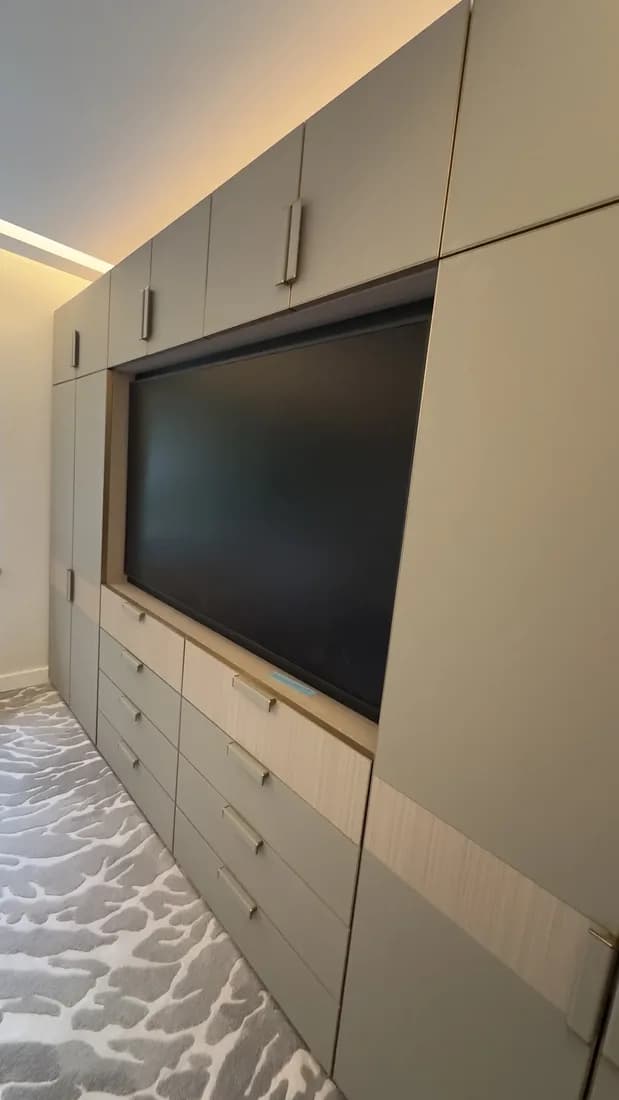
Walk into most Dubai villas and you will find the same picture in every room. A large TV on the wall. A satellite receiver, an Apple TV and maybe a games console stacked underneath. A basket of remotes on the coffee table. Cables hanging down the wall where the joinery was never quite finished.
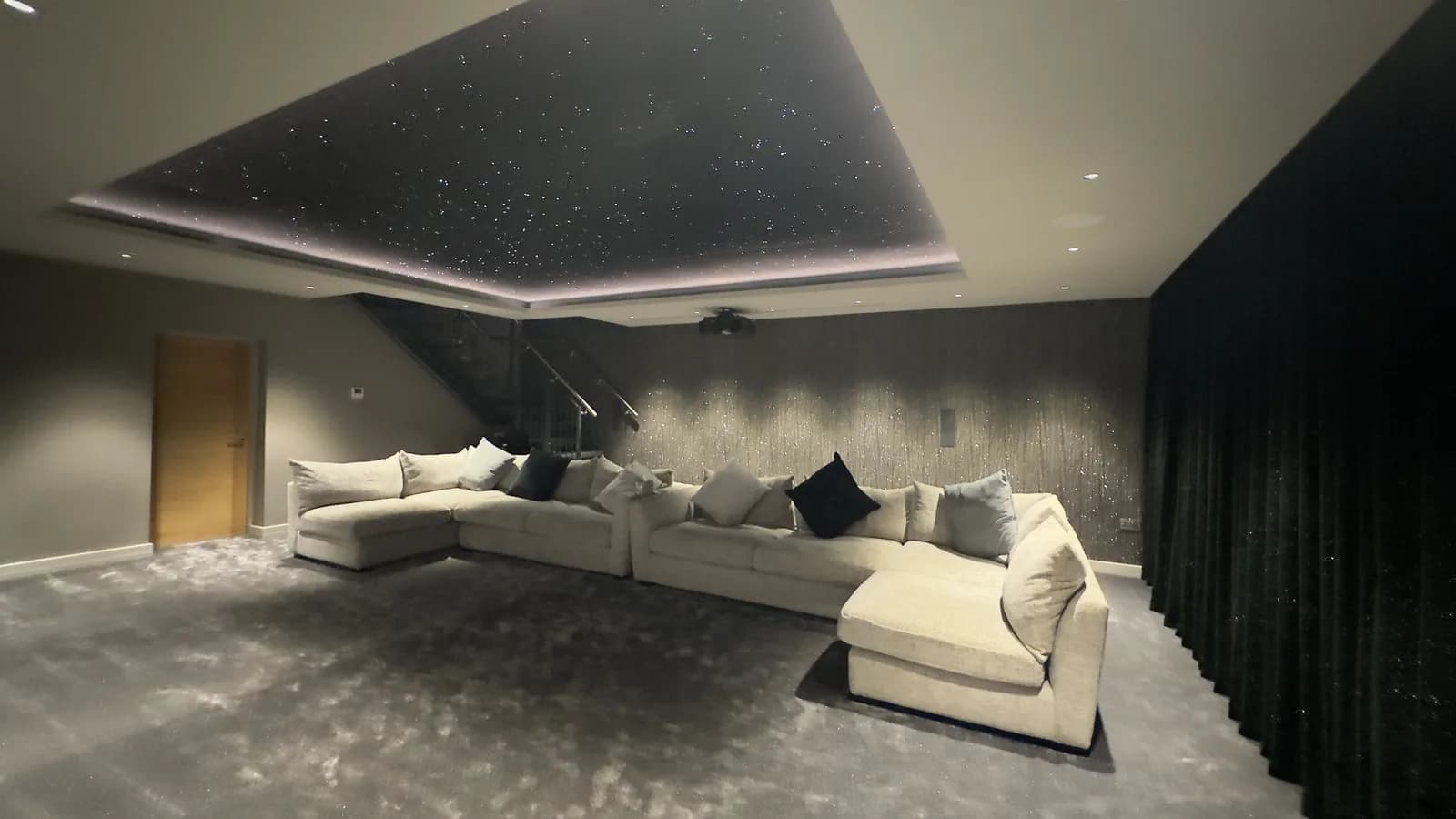
Now multiply that by six bedrooms, a majlis, a family room, a gym and a terrace.
Distributed video is the alternative. It is one of the most useful things you can design into a home, and one of the least understood. This guide explains what it is, how it works, and what you need to plan before your walls close.
The simple idea: one rack, every screen
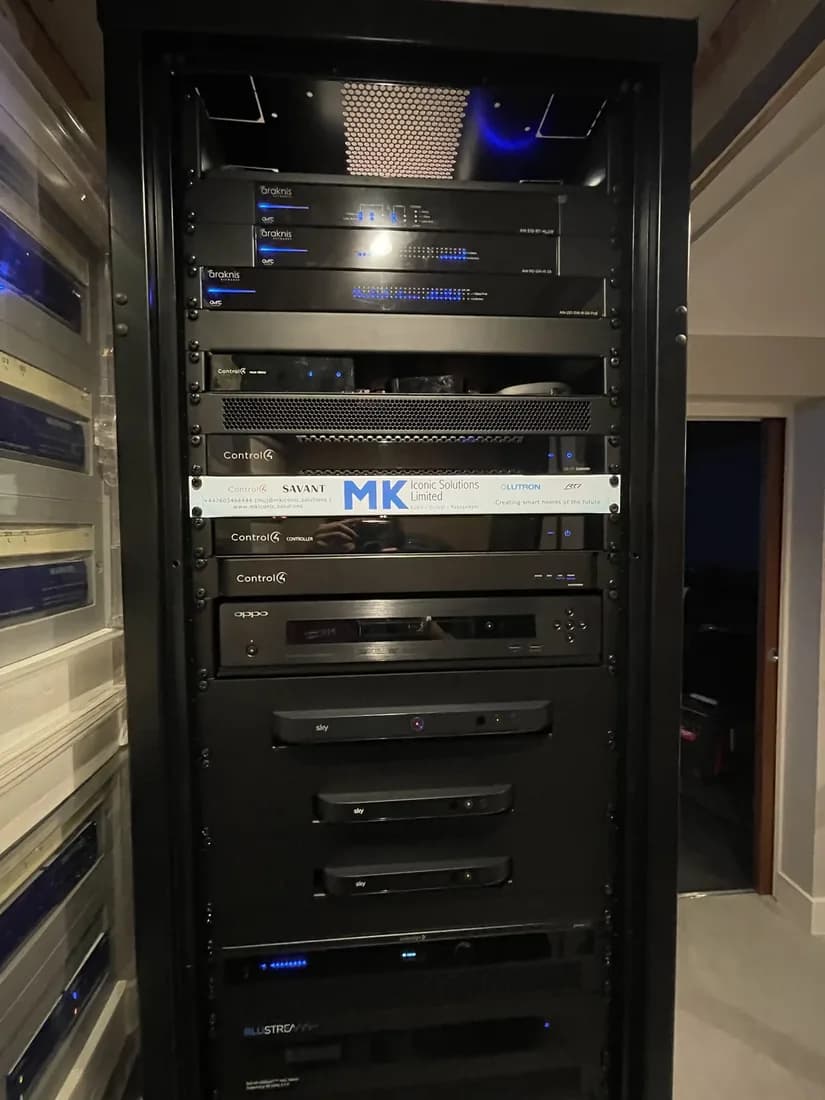
With distributed video, all of your video sources live in one place, usually a ventilated equipment rack in a plant room, under the stairs or in a cupboard. That includes:
- Satellite and IPTV receivers (OSN+, beIN, du or Etisalat by e& boxes)
- Streaming players such as Apple TV
- Games consoles
- Blu-ray or media servers
- CCTV and the video door entry feed
From that rack, a video switcher (often called a matrix) sends any source to any screen in the house. Your living room can watch the football from the beIN box while the children watch Apple TV upstairs and the gym screen shows the doorbell camera. There is only one beIN subscription and one box, but every room can use it.
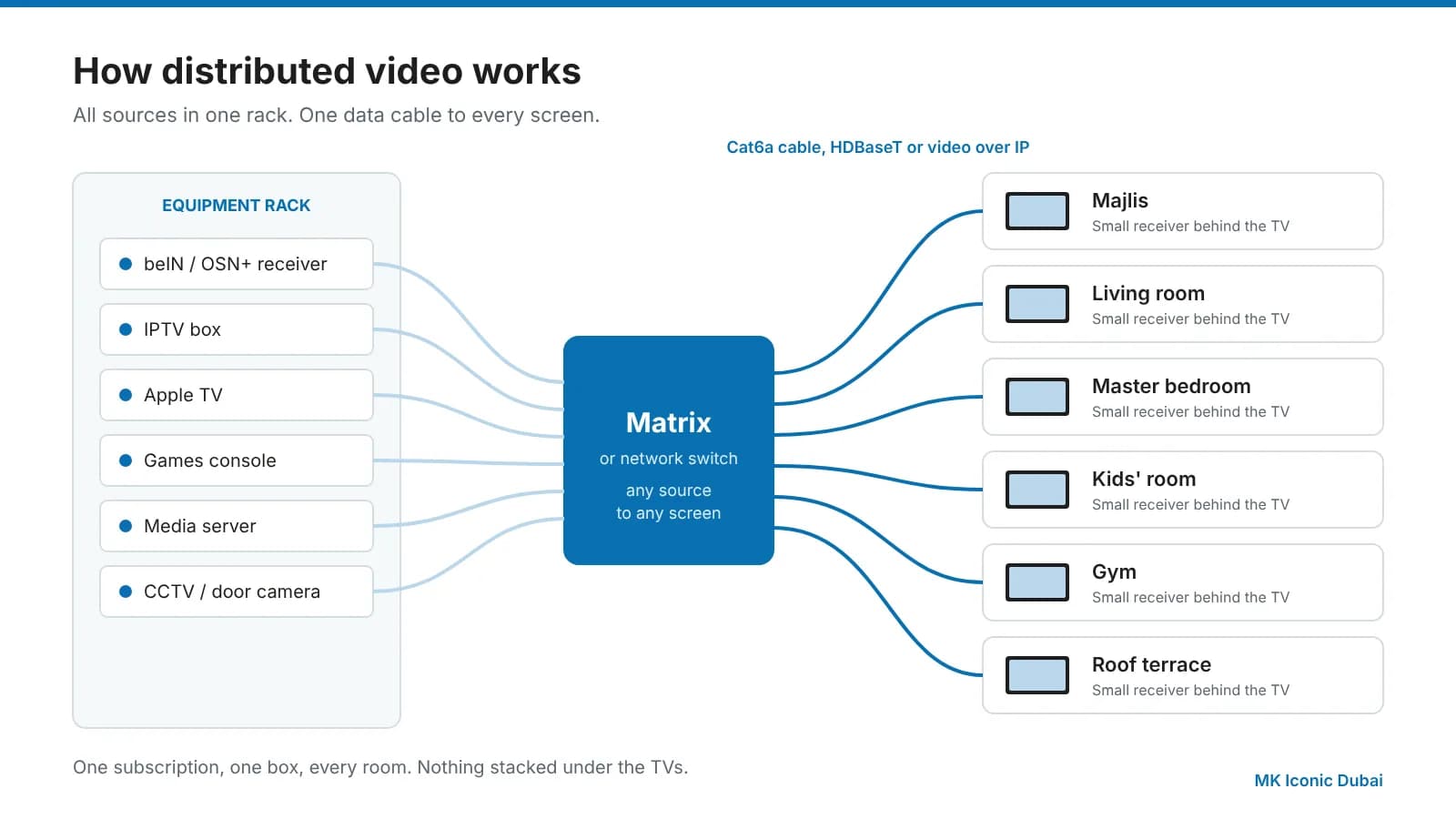
At each TV you need only a small receiver tucked behind the screen and one data cable back to the rack. No stacks of boxes. No IR blasters stuck to the front of cabinets. No cables on show.
Why it suits Dubai homes in particular
Heat. Electronics hate heat, and AV boxes crammed into closed joinery cabinets run hot all year. In a central rack they sit in one cooled, ventilated space where they last longer and behave better.
Large floor plans. Dubai villas are big and often spread over three or four floors, plus a basement and roof terrace. Distributed video means a source in the basement can reach a screen on the roof.
Clean design. Interior designers here push for minimal walls, flush TVs and frameless joinery. Distributed video is how you deliver that without losing anything you want to watch.
Fewer subscriptions and boxes. One receiver can serve many rooms. You also have one place to fix if something goes wrong, rather than eleven.
Multigenerational living. Many families have parents, children and guests all watching different things at once. A good matrix gives everyone their own choice without fighting over boxes.
The two main technologies: HDBaseT and video over IP
There are two ways to get the picture from the rack to the screen. Both use ordinary structured data cable, which is why the cabling plan matters so much.
HDBaseT
HDBaseT is a standard designed to carry video, audio, control signals, Ethernet and even power down one Cat6 cable. The current generation, HDBaseT 3.0, carries fully uncompressed 4K at 60 frames per second for up to 100 metres over Cat6a cable, with zero delay.
It works with a fixed-size matrix, for example 8 sources to 8 screens. It is very reliable, simple to support and ideal for most villas where the number of rooms is known.
Video over IP
Video over IP turns each source and each screen into a device on a dedicated network. Instead of a fixed-size matrix, a network switch does the routing. You can add a ninth, twentieth or fiftieth screen simply by adding another receiver.
Systems running on a 1 Gbps network use light compression to fit 4K into the bandwidth. Systems on 10 Gbps networks need little or no compression. Either way, the picture quality on a well-designed system is excellent.
Video over IP is the natural choice for large villas, estates with more than one building, hotels, yachts and commercial spaces. It also allows clever extras like video walls and picture-in-picture.
Which one is right for you?
| HDBaseT | Video over IP | |
|---|---|---|
| Best for | Villas with a known number of screens | Large villas, estates, hospitality, marine |
| Picture | Uncompressed 4K60 | 4K60, light or no compression |
| Expansion | Limited by matrix size | Add screens at any time |
| Distance | Up to 100 m per run | Unlimited across the network |
| Network | Point-to-point cable | Dedicated, managed switch |
There is no single right answer. Many of the homes we design use both: HDBaseT for the main living spaces and cinema, and video over IP for the wider estate.
Control is what makes it feel effortless
Distributed video without a good control system is just a lot of hidden boxes. Pair it with Control4, Crestron or KNX and the experience changes completely.
Each room gets one remote or a touch panel that shows the sources in plain language: "TV", "Apple TV", "PlayStation", "Front Door". Press one button and the TV turns on, switches to the right input, the source starts and the sound goes to the right speakers. Press "Off" and everything in that room shuts down. Guests and grandparents can use it without a lesson.
The same system can also dim the lights and close the blinds for a film, or show the door camera on whichever TV you are watching when someone rings.
Common mistakes we see
Running HDMI cables in the wall. Long HDMI cables buried in plaster are the most common reason we get called to a Dubai villa. They fail, they cannot be upgraded, and they cannot be replaced without opening walls. Use data cable to every screen and keep HDMI for the last metre.
Not enough cable. A single cable to each TV leaves no room for the future. We recommend at least two Cat6a cables to every screen position, plus one for the network.
No space for the rack. A rack needs ventilation, cooling, power and access from the front and back. Plan the space early, not as an afterthought in the maid's room.
Cheap matrices. Unbranded switchers bought online often struggle with copy protection (HDCP) and newer 4K formats. The result is black screens, flicker and endless "no signal" messages.
Forgetting the network. Video over IP needs a properly specified, managed network. A consumer router will not cope.
What to plan before the walls close
If you are building or renovating, these are the decisions that matter most. Every one is cheap during first fix and expensive later.
- Decide the rack location. Somewhere central, cooled and accessible.
- List every screen position, including the terrace, gym, kitchen and bedrooms you might want later.
- Run two Cat6a cables to each screen, plus spares to likely future spots.
- Add a conduit from every TV position to the rack so cables can be added or replaced.
- Agree on TV sizes early so joinery and back boxes are right first time.
- Plan the sources. Which subscriptions, how many receivers, and which rooms need their own.
- Choose a control system at the same time, not after handover.
How we approach it at MK Iconic
Every distributed video system we design in Dubai starts with a site survey and a conversation about how your family actually uses the house. From that we produce a design showing every source, every screen and every cable, so your contractor and electrician know exactly what to install.
We are a Control4 Diamond Dealer in the UAE, a Crestron dealer and a KNX Partner, and our engineering team is based here in Dubai. When the system is handed over, you get your own client portal login with every drawing, setting and backup, and our Iconic Care™ maintenance programme keeps it running long after the builders have gone.
Planning a villa, renovation or fit-out? Book a site survey and we will show you what distributed video could look like in your home.
Questions we get asked
What is distributed video?
Distributed video means keeping all your video sources, such as satellite receivers, streamers and games consoles, in one equipment rack and sending their picture and sound over cable to any TV in the house. Every screen can watch any source without a box behind it.
Is HDBaseT or video over IP better for a villa?
HDBaseT is ideal for a fixed number of rooms and gives uncompressed 4K at 60 frames per second up to 100 metres. Video over IP scales to any number of screens across a large villa or estate. Many homes use a mix of both.
Can distributed video be added to an existing home?
Yes, but it is far easier during construction or a fit-out. In a finished home it depends on whether a data cable can reach each screen location. A site survey will confirm what is possible.
Do I still need a remote for every TV?
No. Distributed video is normally paired with a control system such as Control4, Crestron or KNX, so each room has one simple remote, keypad or app.