WhatsApp us

Commercial · Video conferencing · Dubai

video conferencing systems for offices in Dubai

One touch to join. Every room the same.

A video conferencing system is only as good as the moment someone walks in and presses Join. We design and install certified Microsoft Teams Rooms for offices across Dubai, on four platforms we know well: Crestron Flex, Neat, Logitech and Yealink.

Each has a different strength, and the right one depends on the room, the people and your IT team. We advise on the platform during the survey, not from a price list. Zoom Rooms and bring-your-own-device rooms are also possible where that is how your business works.
Book a site surveyWhatsApp us
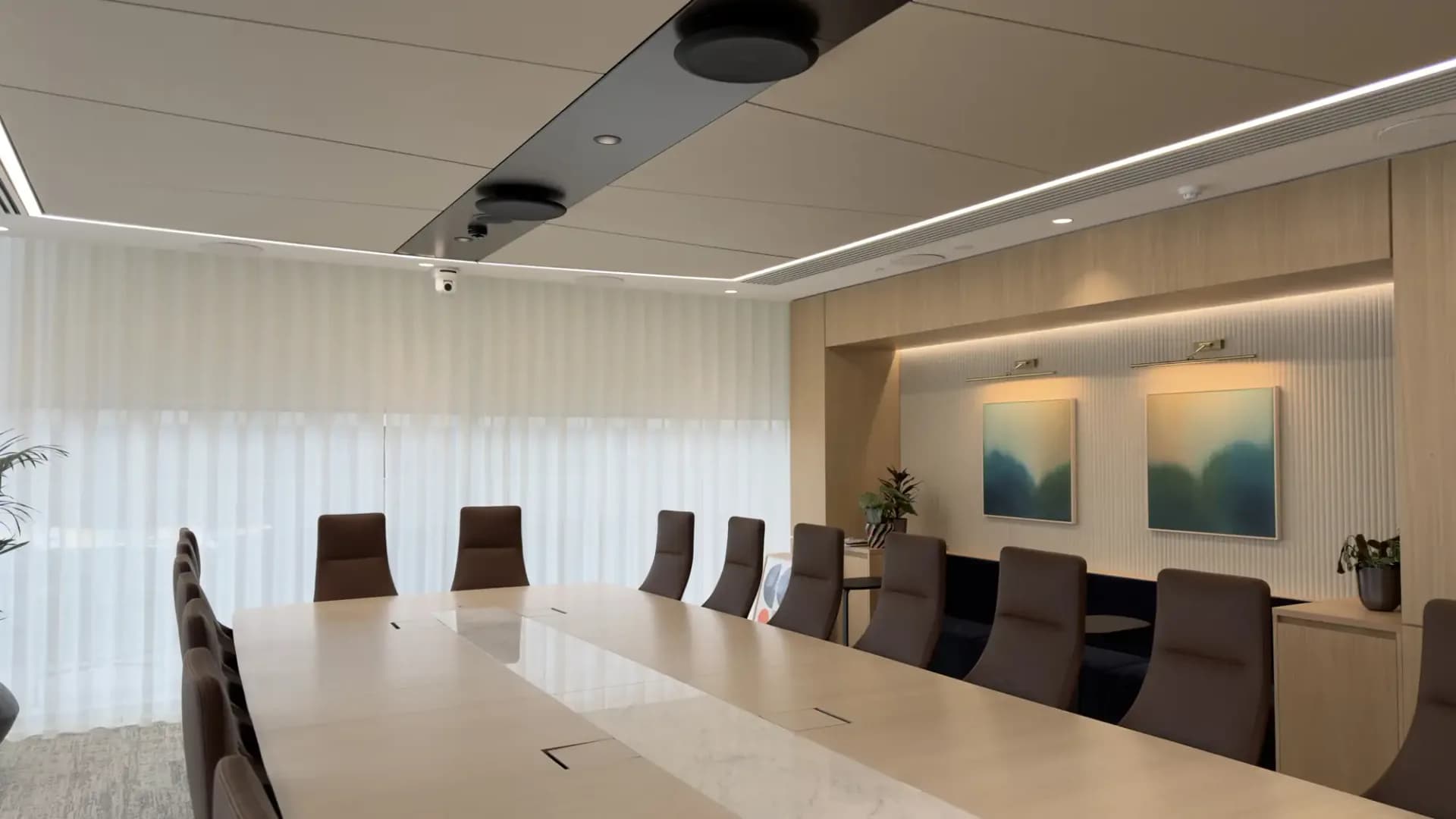
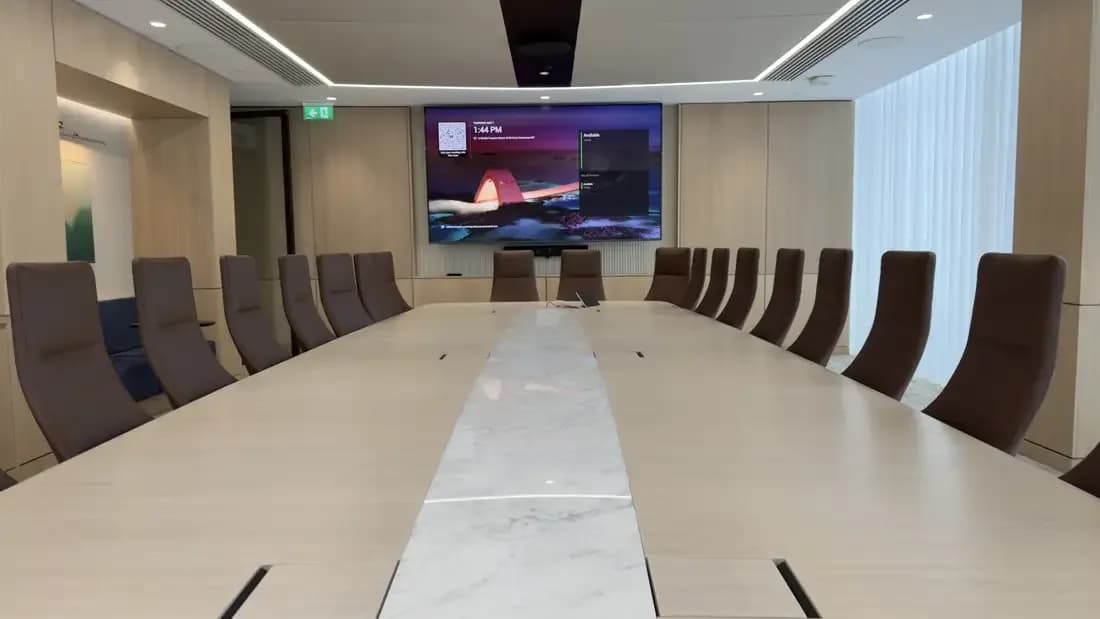
Boardroom with a wall-mounted display showing a video call and a long conference table

Who this is for

  • Companies moving into a new Dubai office who want every room to join a call the same way
  • IT managers standardising on Microsoft Teams Rooms and choosing between Windows and Android room systems
  • Regional headquarters in DIFC or Business Bay with a boardroom that must work for the people in London or Singapore too
  • Fit-out contractors who need a video conferencing package specified, supplied and commissioned on programme
  • Businesses replacing rooms built around a laptop and a webcam that nobody trusts for an important call

What MK Iconic does

How we deliver a video conferencing room

Survey and platform advice

We measure the room, understand who uses it and talk to your IT team about how they manage devices. From that we recommend a platform and a room system, and explain why. Windows or Android, bar or modular, is a decision for the room, not a default.

Design and drawings

Display size, camera position, microphone coverage and speaker placement are set on a drawing before anything is ordered. The fit-out contractor gets containment, power and mounting details so the room is ready when the kit arrives.

Install and commission

Our Dubai engineers install, cable and sign the room into your Microsoft tenant with your IT team. We test audio, video and content sharing from both ends of the call, then hand over with a short walk-through for the people who use it.

Aftercare with Iconic Care™

Rooms are monitored remotely, firmware is kept current and faults are reported by WhatsApp, email or phone and logged as a ticket. The client portal shows service reports and the status of every room.

The four platforms we install

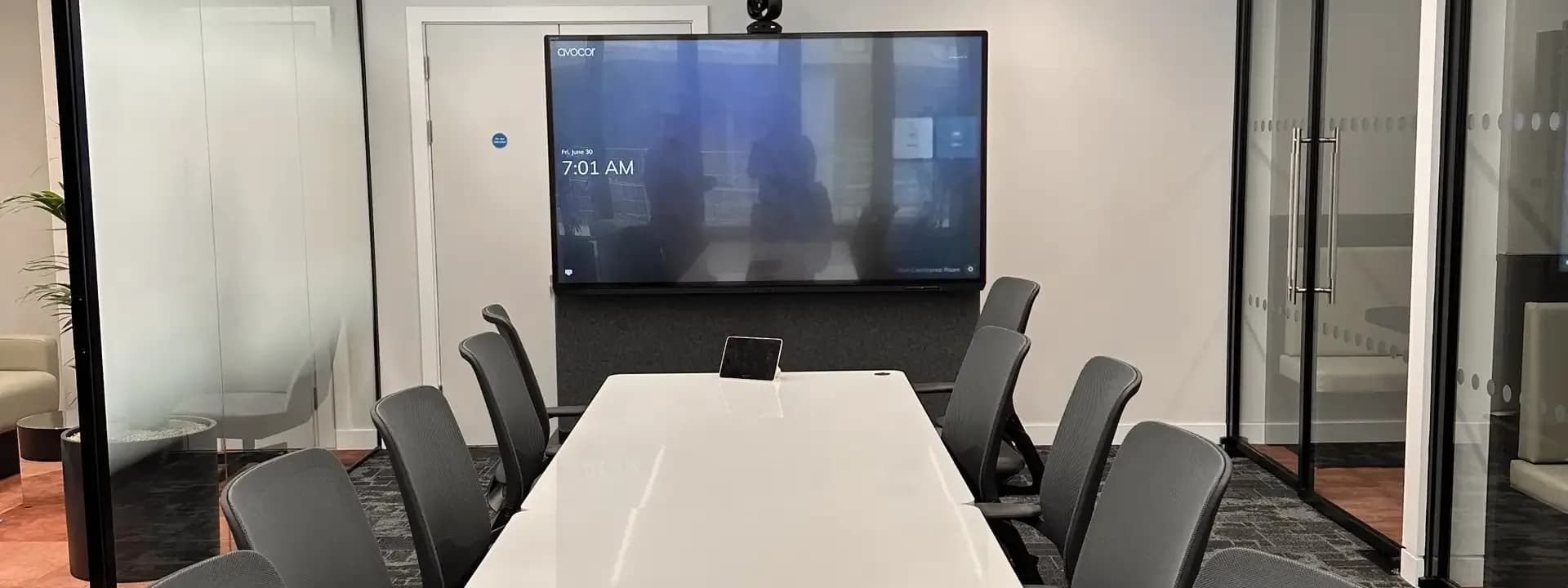
Conference table with a touch screen controller and a wall display

Crestron

Crestron Flex

Crestron Flex room kits run Microsoft Teams Rooms on Windows with a Crestron-supplied PC. The B-series video bar kits suit small and medium rooms, the M and MX tabletop kits put a speakerphone and touch screen on the table for medium and large rooms, and the C-series integrator kits are built out for boardrooms with separate cameras and audio.

For boardrooms we pair the integrator kits with Crestron 1 Beyond cameras, which track and frame the person speaking, and with Flex Pods or ceiling audio. Crestron Teams panels outside the door handle scheduling. We are a Crestron dealer, so the same team also programmes the lighting, shades and displays around the room.

Best for: Boardrooms and executive floors that already run Crestron control, and rooms where the AV must be fully customised

Crestron in Dubai

Meeting room with a wall-mounted display and a long table

Neat

Neat Bar and Neat Board

Neat devices run Microsoft Teams Rooms on Android natively. There is no PC in the room. Neat Bar 2 covers small and medium rooms, Neat Bar Pro covers medium and large rooms, and Neat Board 50 and Neat Board Pro fold the display, camera, microphones and speakers into one touchscreen.

Neat Pad is the in-room controller and doubles as the door panel for scheduling. The appeal is simplicity: few parts, clean design and an installation that fits a glass meeting room without a rack. For 2026 specifications we use the current Bar 2, Bar Pro, Board 50 and Board Pro, whose Teams certification runs to 2028.

Best for: Design-led offices that want a clean room with few components and simple management

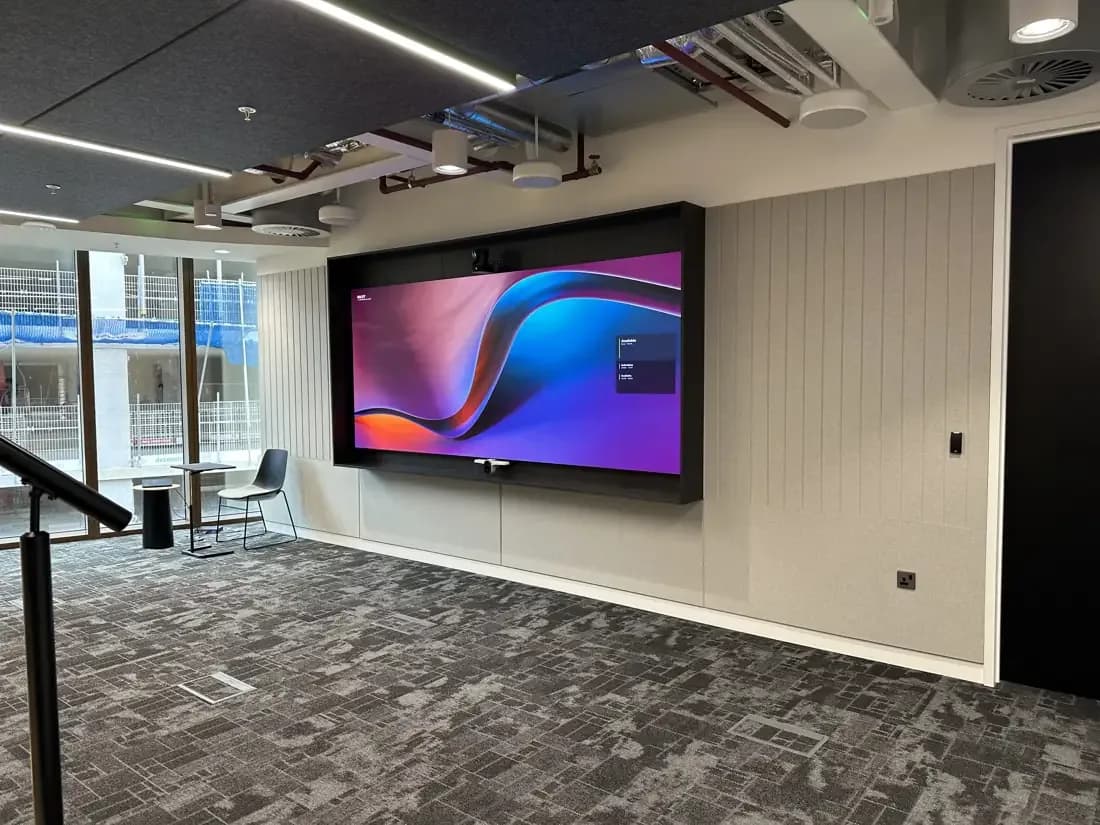
Open-plan office with a large wall-mounted display

Logitech

Logitech Rally

The Rally range runs from Rally Bar Huddle for small rooms through Rally Bar Mini and Rally Bar to the modular Rally Plus for large boardrooms, with a Rally Camera, separate speakers and expandable Rally Mic Pods. Tap or Tap IP is the table controller, RoomMate is the Android compute for modular rooms, and Tap Scheduler sits outside the door.

Logitech is the one platform here certified for Microsoft Teams Rooms on both Windows and Android across the whole bar range, so an IT team can keep one hardware standard and still choose the operating system room by room.

Best for: Mixed estates with many rooms of different sizes where one hardware family and one management console matter

What we work with

MICROSOFT TEAMS ROOMSCRESTRON FLEXNEATLOGITECH RALLYYEALINKZOOM ROOMS

Questions

Video conferencing: questions we get asked

Teams Rooms on Windows or on Android: which should we choose?

Windows rooms use a small PC and suit boardrooms with separate cameras, audio and custom control. Android rooms run on the bar itself, with fewer parts and simpler updates, and suit most huddle and meeting rooms. Many offices use both. We recommend per room during the survey, and your IT team's device management usually settles it.

Is the display included with the room system?

Not with the bar and tabletop kits. Crestron, Logitech and Yealink kits are supplied without the display, and we size and specify it separately for the room. The exception is the interactive boards, such as Neat Board, Yealink MeetingBoard and Logitech Rally Board, which include the screen.

Can one room work with Teams and Zoom?

A certified Teams Room joins Teams meetings with one touch and can join Zoom meetings through guest join on most platforms. If Zoom is your main platform we design the room as a Zoom Room instead, and a bring-your-own-device room works with any service from a laptop. We ask how you actually meet before deciding.

Who manages the rooms after installation?

Your IT team manages the rooms in the Microsoft admin centre as they would any other Teams device. Iconic Care™ adds remote monitoring, firmware updates and a ticket for every fault you report by WhatsApp, email or phone, with service reports in the client portal.

Tell us about the rooms and we will recommend a platform.