WhatsApp us

Commercial · Meeting rooms · Dubai

Microsoft Teams Rooms installation in Dubai

Walk in, tap once, and the meeting starts.

A meeting room should not need an IT ticket to start a call. A certified Microsoft Teams Room gives every room the same one-tap experience, whoever built the hardware, and is managed from the Teams admin centre. We design, install and support Teams Rooms across Dubai for office tenants, contractors and facilities teams.

We hold a standard for three room sizes, built from certified kit by Crestron, Neat, Logitech and Yealink. You choose the platform; the experience stays the same. For a first figure per room, try the Teams Room budget builder on our Commercial page.
Book a site surveyWhatsApp us
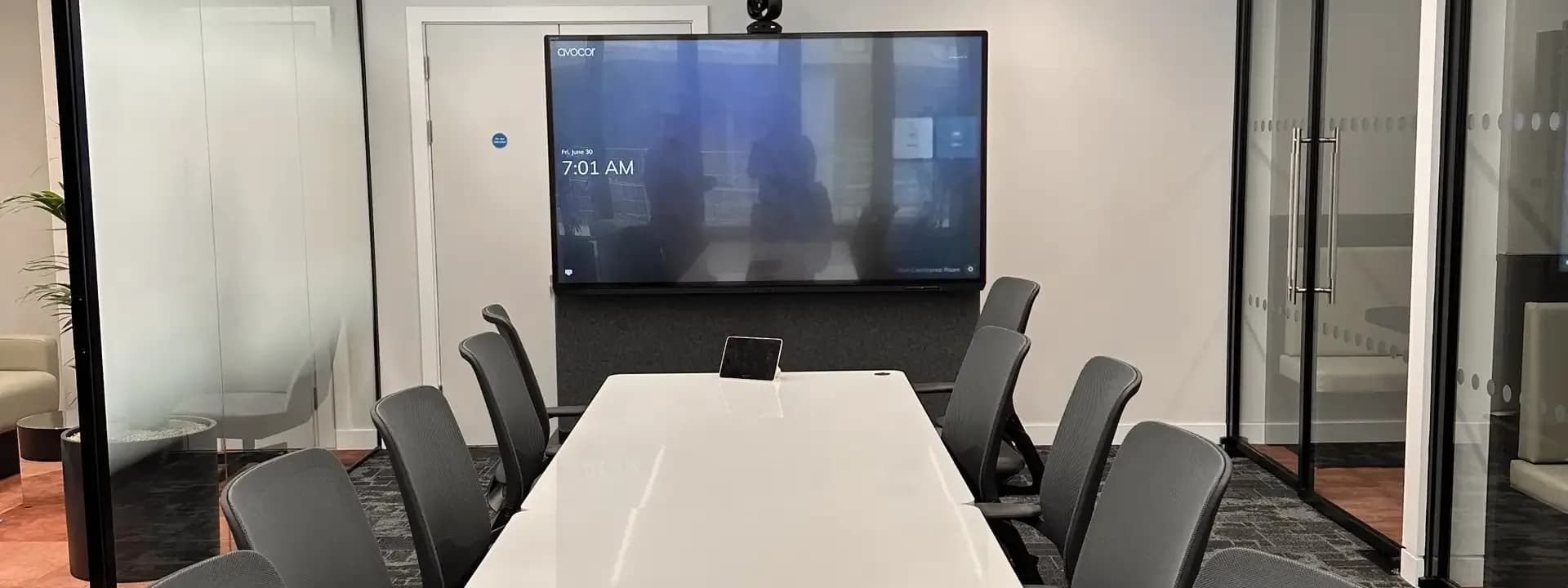
Tabletop touch controller on a meeting table in front of a display

Who this is for

  • Office tenants in DIFC, Business Bay, JLT and Dubai Marina standardising on Microsoft Teams
  • Fit-out contractors who need the AV package designed, supplied and commissioned on programme
  • Facilities and IT teams replacing unmanaged webcams and speakerphones with managed rooms
  • Boardrooms that need better camera framing and microphone pickup than one bar can give

What MK Iconic does

How we deliver it

Room survey and sizing

We measure each room, count the seats, check the light from the windows and look at the ceiling and walls. Dubai offices are often glass on one side, which decides where camera and display go.

Platform choice and the seven parts

We match each room to a tier and a platform, then specify all seven parts of a Teams Room: compute running the Teams Rooms app, one or two displays, which no kit includes, camera, microphones, speakers, a table touch controller and a scheduling panel at the door. In small rooms the bar carries compute, camera, microphones and speakers; in boardrooms they are separate.

Installation and commissioning

Our Dubai engineers mount, cable and configure every device, enrol it in your Microsoft tenant with your IT team and test a real call from the room.

Support under Iconic Care™

After handover we monitor the rooms remotely and give you a client portal with service reports and system status. Report a fault by WhatsApp, email or phone and it is logged as a ticket.

Three room sizes, one standard

Huddle

2–4 people

  • Crestron Flex UC-B30-T video soundbar kit
  • Neat Bar 2 with Neat Pad
  • Logitech Rally Bar Huddle with Tap IP
  • Yealink MeetingBar A10 or A20
  • One display; camera, microphones and speakers in the bar

Meeting

6–10 people

  • Crestron Flex UC-M50-T or UC-MX50-T tabletop kit
  • Neat Bar 2 or Neat Board Pro
  • Logitech Rally Bar Mini with Tap IP
  • Yealink MeetingBar A30 or A40, or MVC S60
  • One or two displays, table touch controller, door panel

Boardroom

12+ people

  • Crestron Flex UC-C100-T with 1 Beyond cameras
  • Neat Bar Pro with Neat Pad
  • Logitech Rally Bar or Rally Plus
  • Yealink MVC S90
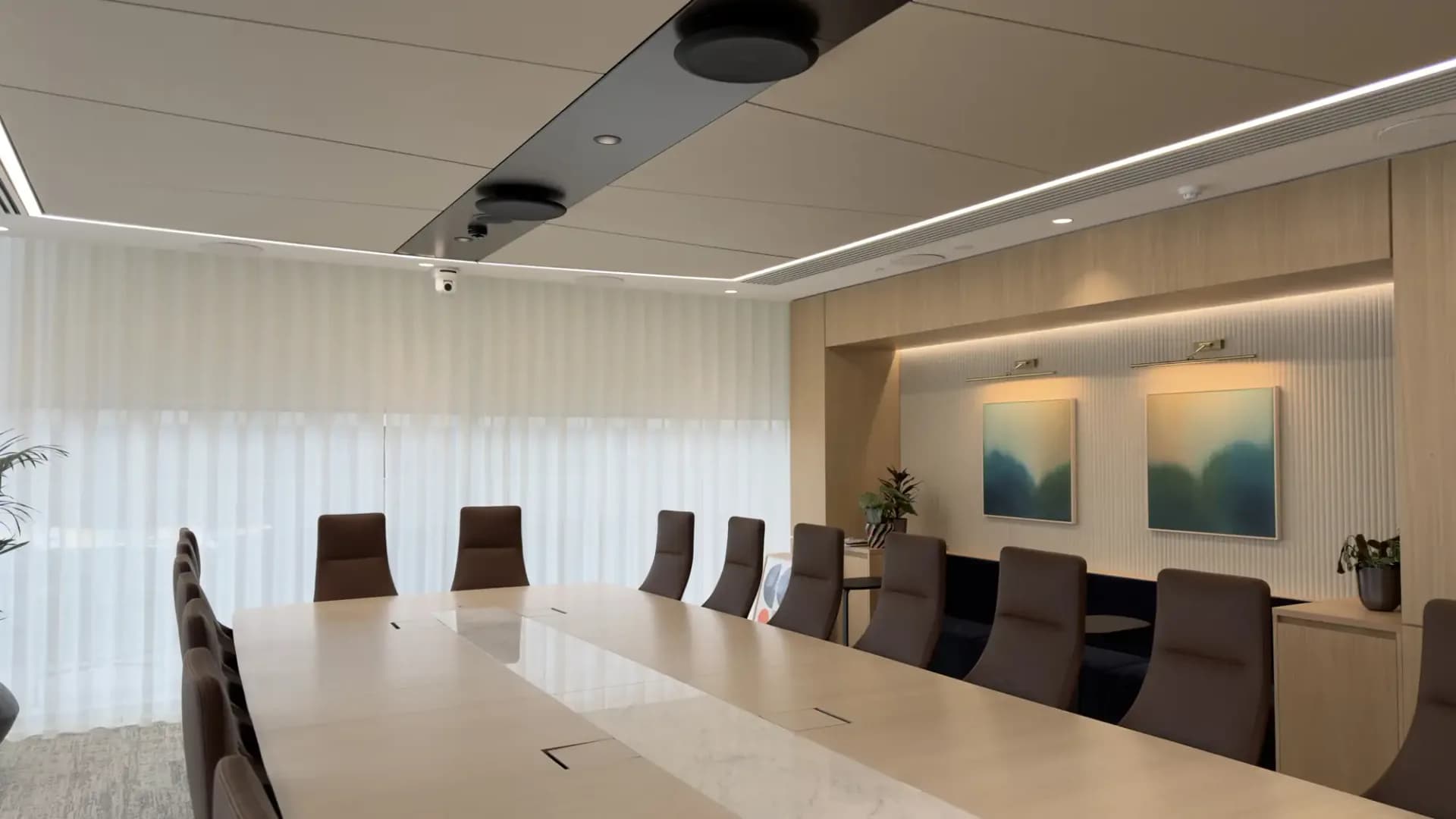
  • Dual displays, separate cameras, table or ceiling microphones

The platforms we build with

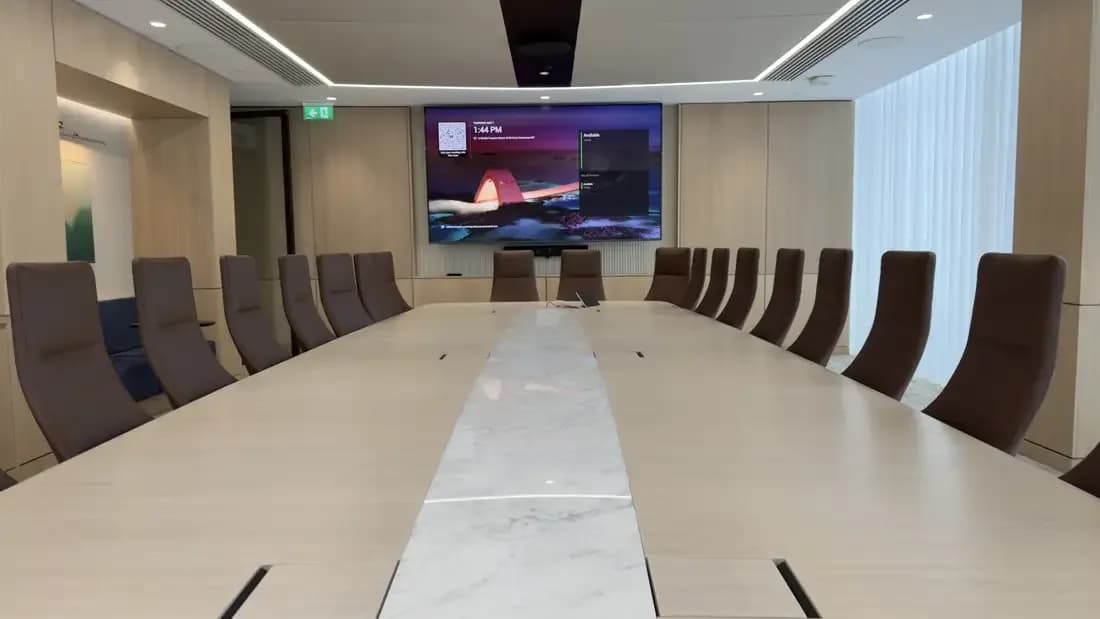
Meeting room with an image projected on the end wall

Crestron

Crestron Flex

Crestron Flex is Teams Rooms on Windows with a Crestron PC: the UC-B30-T video soundbar kit for huddle rooms, UC-M50-T and UC-MX50-T tabletop kits for meeting rooms, and the UC-C100-T integrator kit with 1 Beyond cameras and Flex Pods for boardrooms. Pick Flex when the room is also Crestron-controlled.

Best for: Boardrooms and Crestron-controlled buildings

Video conferencing platforms

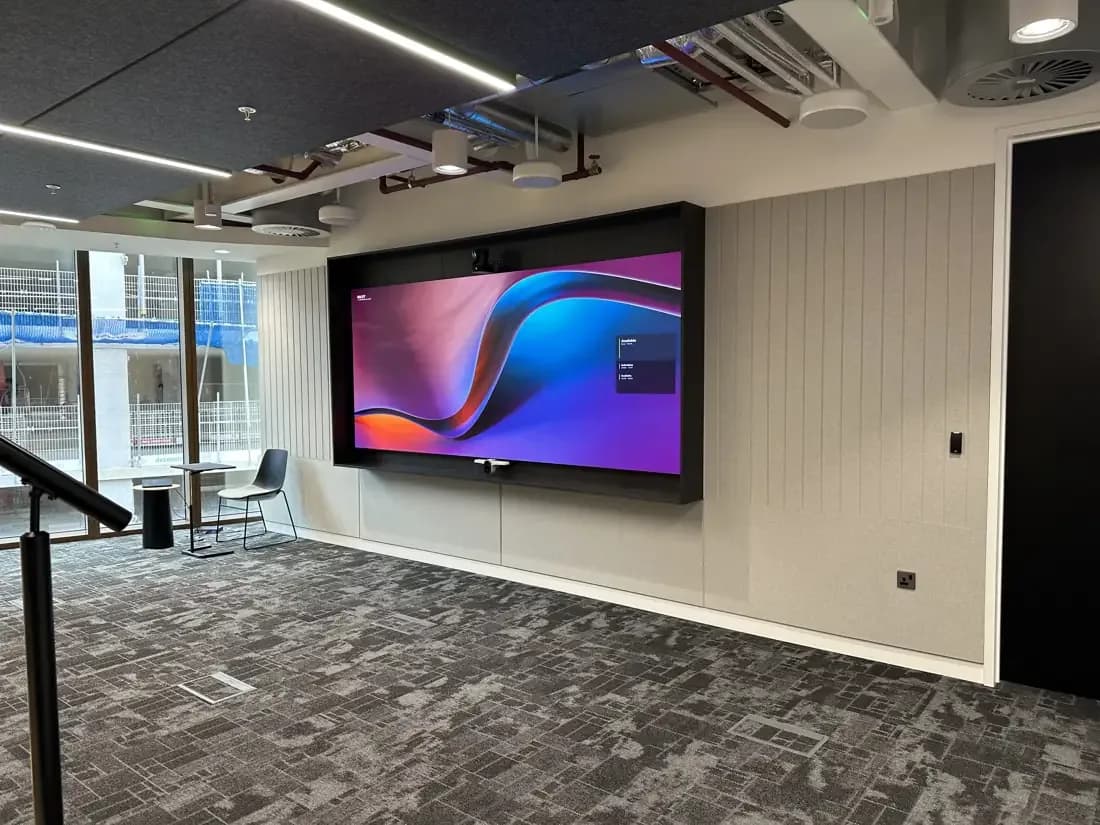
Office with a large wall-mounted display

Neat

Neat

Neat runs Teams Rooms on Android natively, with the compute inside the device. Neat Bar 2 with a Neat Pad covers huddle and meeting rooms, Neat Bar Pro covers long tables and boardrooms, and Neat Board 50 and Board Pro fold display, camera, microphones and speakers into one touchscreen.

Best for: Simple rooms with the fewest boxes

Video conferencing platforms

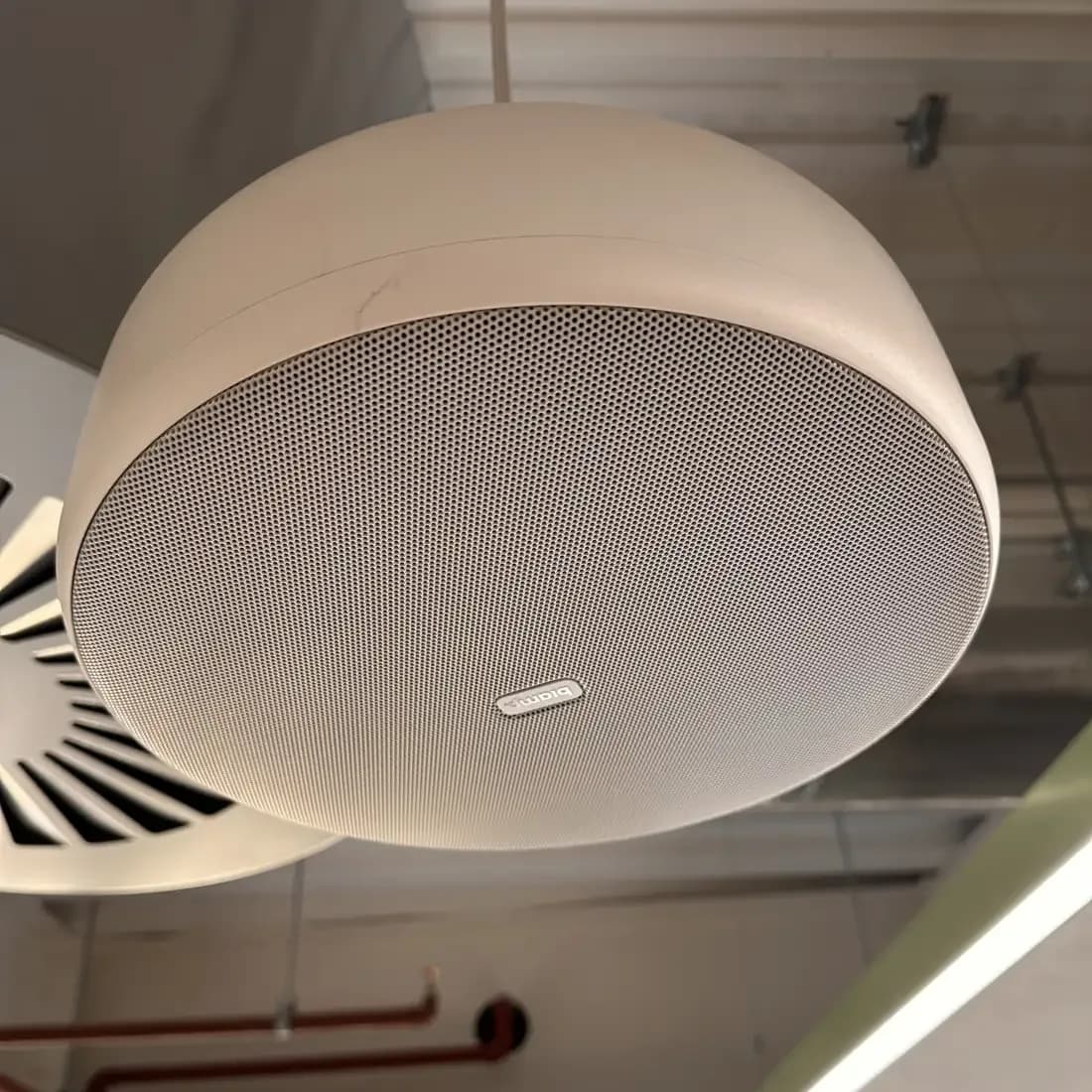
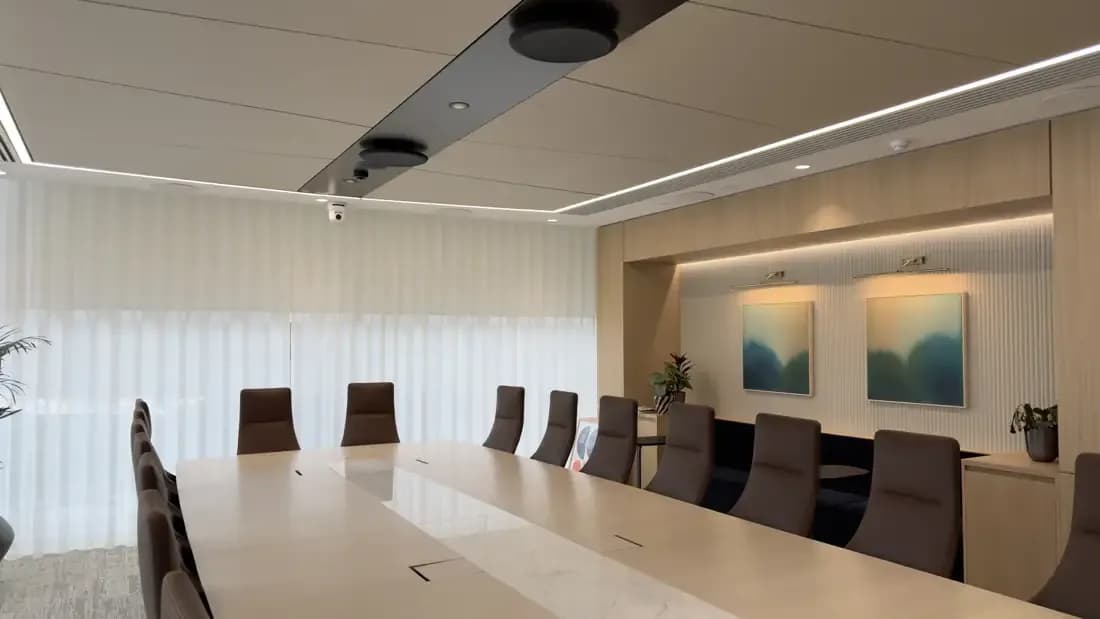
Ceiling speaker recessed into an office ceiling

Logitech

Logitech Rally

Logitech is certified on Teams Rooms on Android and on Windows across the bar range. Rally Bar Huddle with Tap IP suits small rooms, Rally Bar Mini medium rooms and Rally Bar large rooms; Rally Plus with RoomMate scales to the biggest boardrooms with up to seven Rally Mic Pods.

Best for: One vendor from the smallest room to the largest

Video conferencing platforms

What we work with

MICROSOFT TEAMS ROOMSCRESTRON FLEXNEATLOGITECH RALLYYEALINK MVCTEAMS PANELS

Questions

Microsoft Teams Rooms: questions we get asked

Teams Rooms on Windows or Android: which should we choose?

Both are certified and give the same one-tap experience. Android appliances such as Neat Bar 2, Logitech Rally Bar and Yealink MeetingBar are simpler, with the compute inside the bar. Windows systems such as Crestron Flex and Yealink MVC suit boardrooms with separate cameras and microphones.

Can you match the Teams Rooms standard our head office uses?

Yes. Send us the room standard or device list and we will source the same certified families in the UAE, or the closest certified equivalent where a model is not sold here. Your IT team keeps one admin centre and one set of policies.

Can an existing room with a display and a webcam be upgraded?

Usually. If the display is well placed and the network point is there, we swap the webcam and speakerphone for a certified bar and a touch controller and enrol the room. If the display is too small or the glass wall sits behind the people, we will say so.