Control4 · August 2026 · 6 min read
Control4 OS3 to X4: The Upgrade Worth Doing
X4 is the biggest step Control4 has taken in years. Here is what changes, what it needs & how we migrate systems without drama.
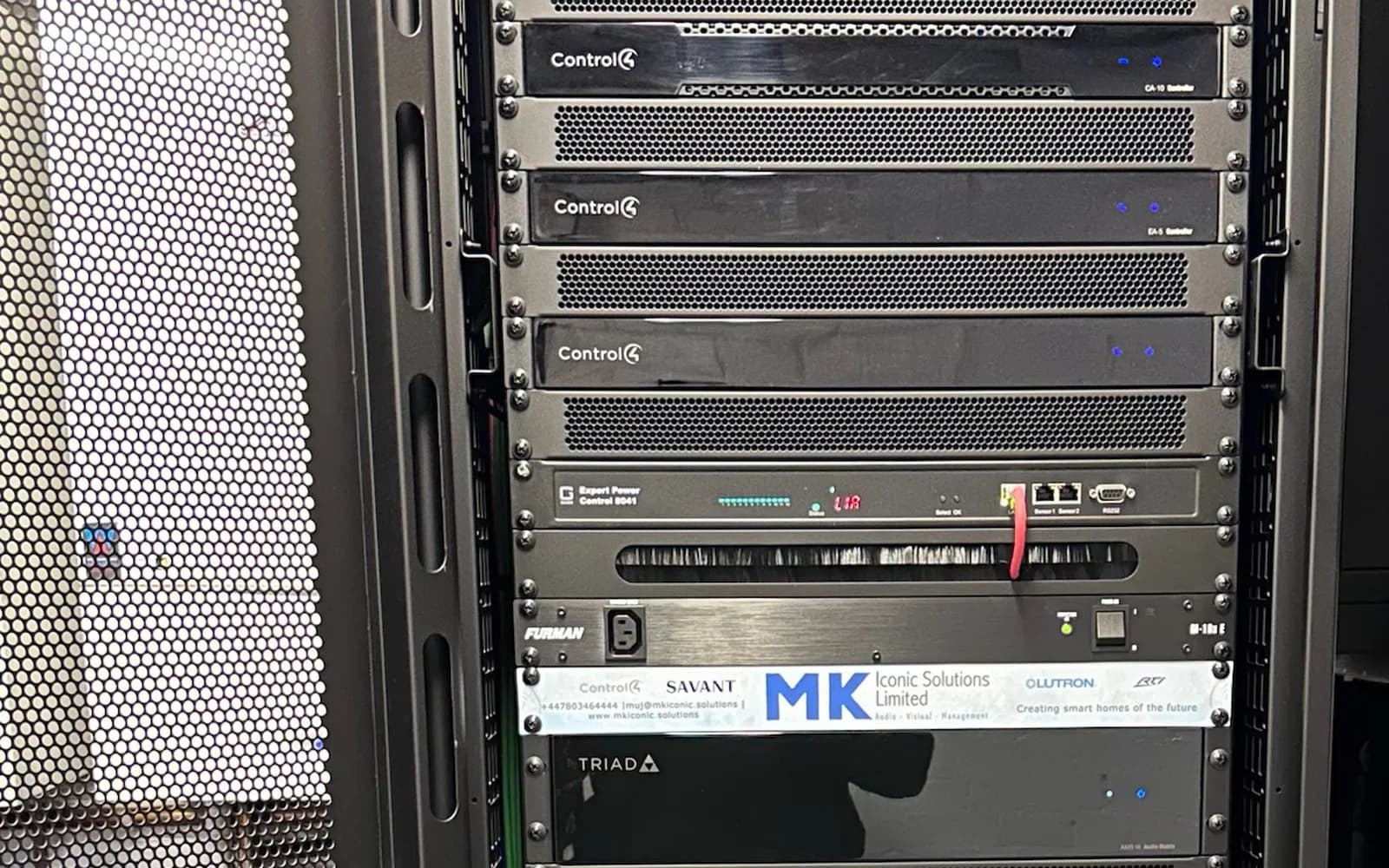
What X4 actually brings
X4 is Control4's current-generation experience: a faster, cleaner interface across touchscreens, remotes & the app, refreshed navigation & better performance on modern controllers. Day to day, the house feels quicker & simpler to drive.
For households that live on their system, the difference is not cosmetic. Scenes respond faster, interfaces match across every screen & the family stops asking why the app looks different from the wall.
What a migration involves
An OS3 to X4 migration is a project, not a button. Controller & hardware compatibility is checked first. Drivers are audited, obsolete ones replaced, programming reviewed & tidied rather than blindly carried over. Then the migration is scheduled, tested & handed back with everything working.
Done properly, most of the work happens remotely & the household barely notices the change until the new interface appears.
What a migration costs, roughly
Most X4 migrations are decided by three things: which controllers need replacing, which legacy devices are no longer supported, and whether the network under the system can carry X4. A controller and core sits between AED 3,570 and 12,240; a migration on a well-built system is often that plus a day of programming, while a system with an ageing network or unsupported hardware costs more because the foundation is being fixed at the same time. We audit first and tell you which it is — and a takeover of a system another dealer installed moves the licence and the project to us properly.
When to do it
If your system runs OS3 today, a migration is the single most noticeable upgrade available to you, & it usually costs a fraction of what owners expect. It is also the right moment to fix the small annoyances that crept in over the years, because we are already inside the programming.
We migrate Control4 systems we installed & systems we have never seen before. Either way it starts with a short remote health check.